Authenticating with CAVATICA
You can authenticate in two ways, you can use a credential file that the CAVATICA application recognizes or you can do command line login.
Both methods use the CAVATICA's developer's authentication token.
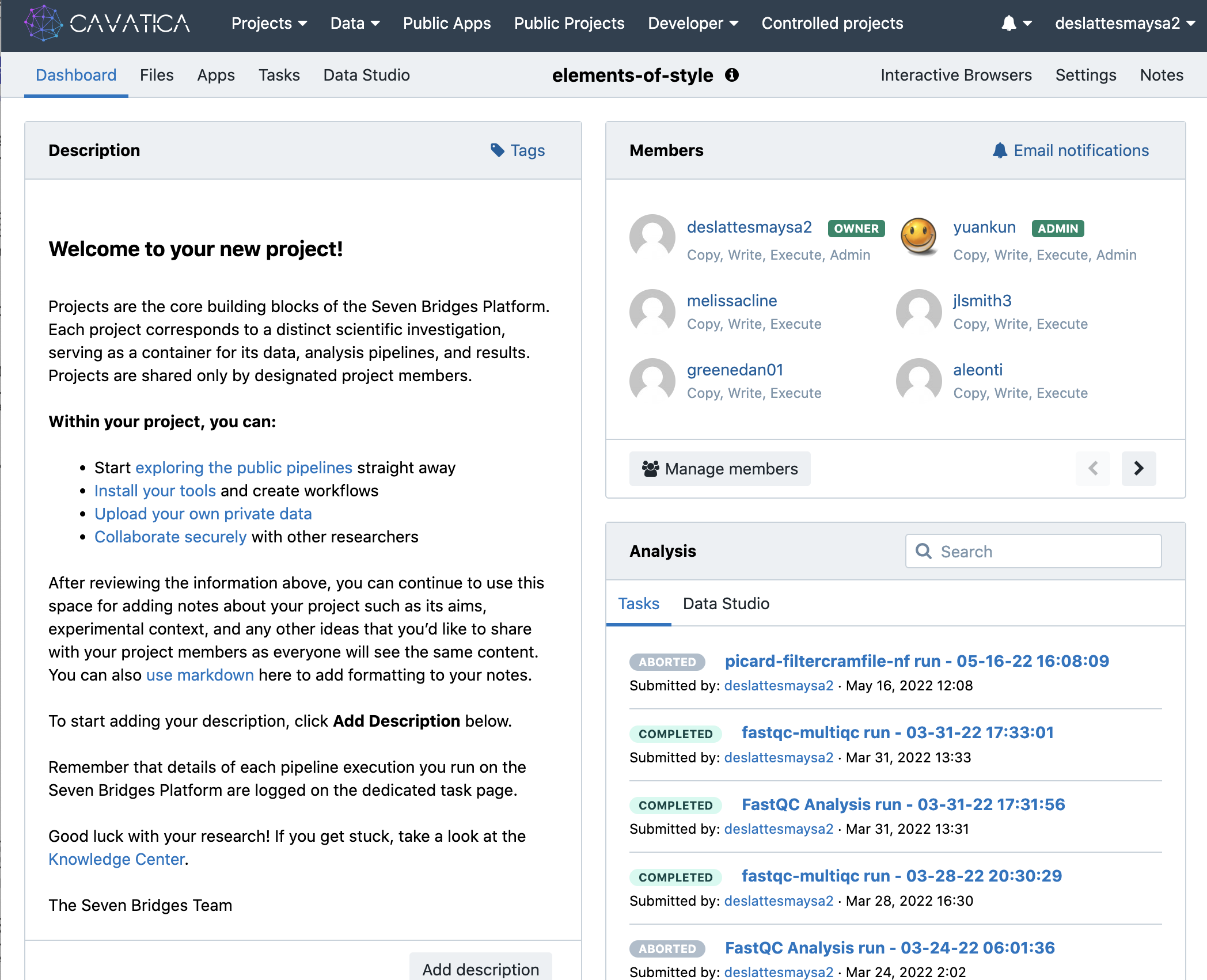
If you navigate to CAVATICA to your project, for me it was the elements-of-style project.
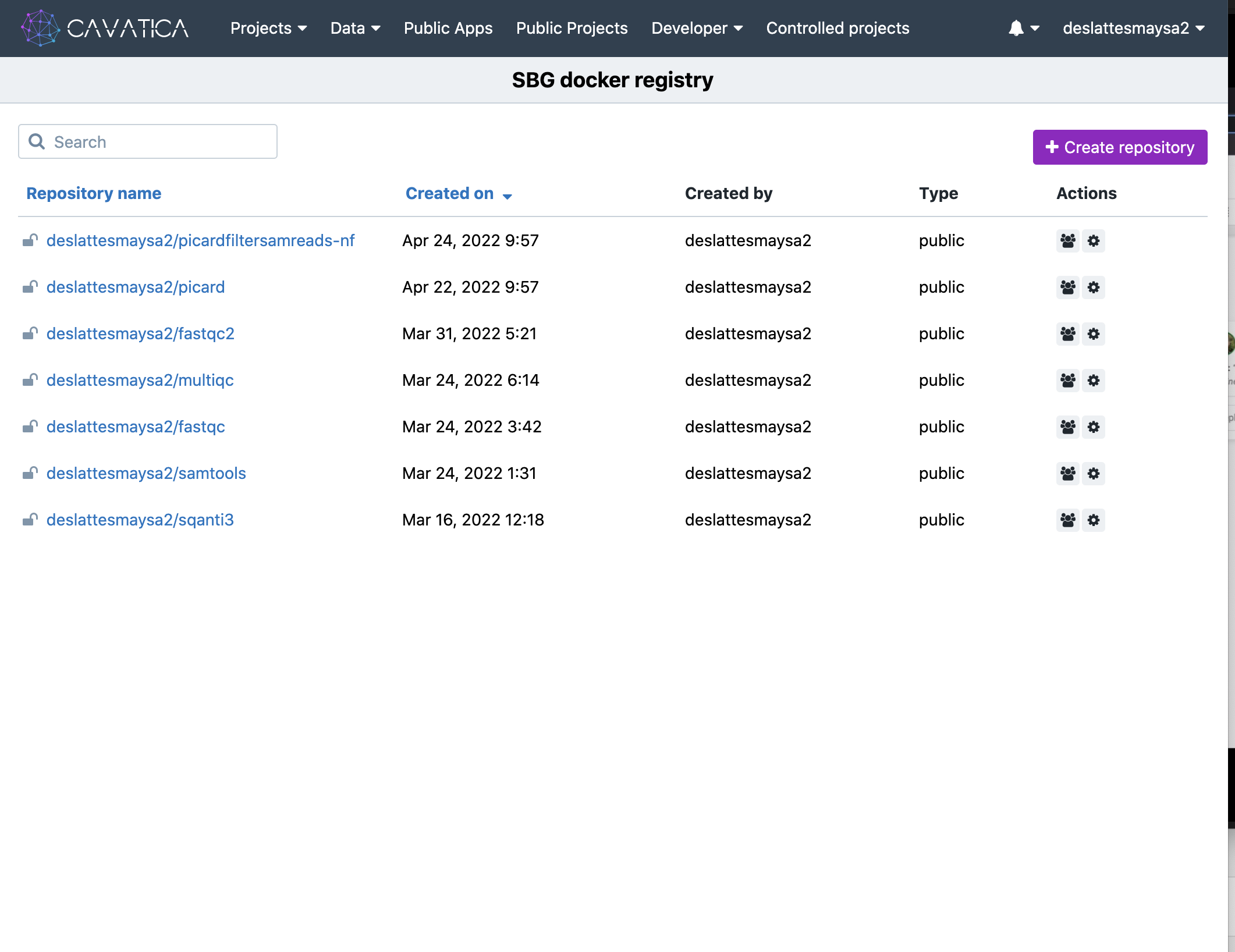
Then navigate to the CAVATICA Docker registry under the Developer tab.
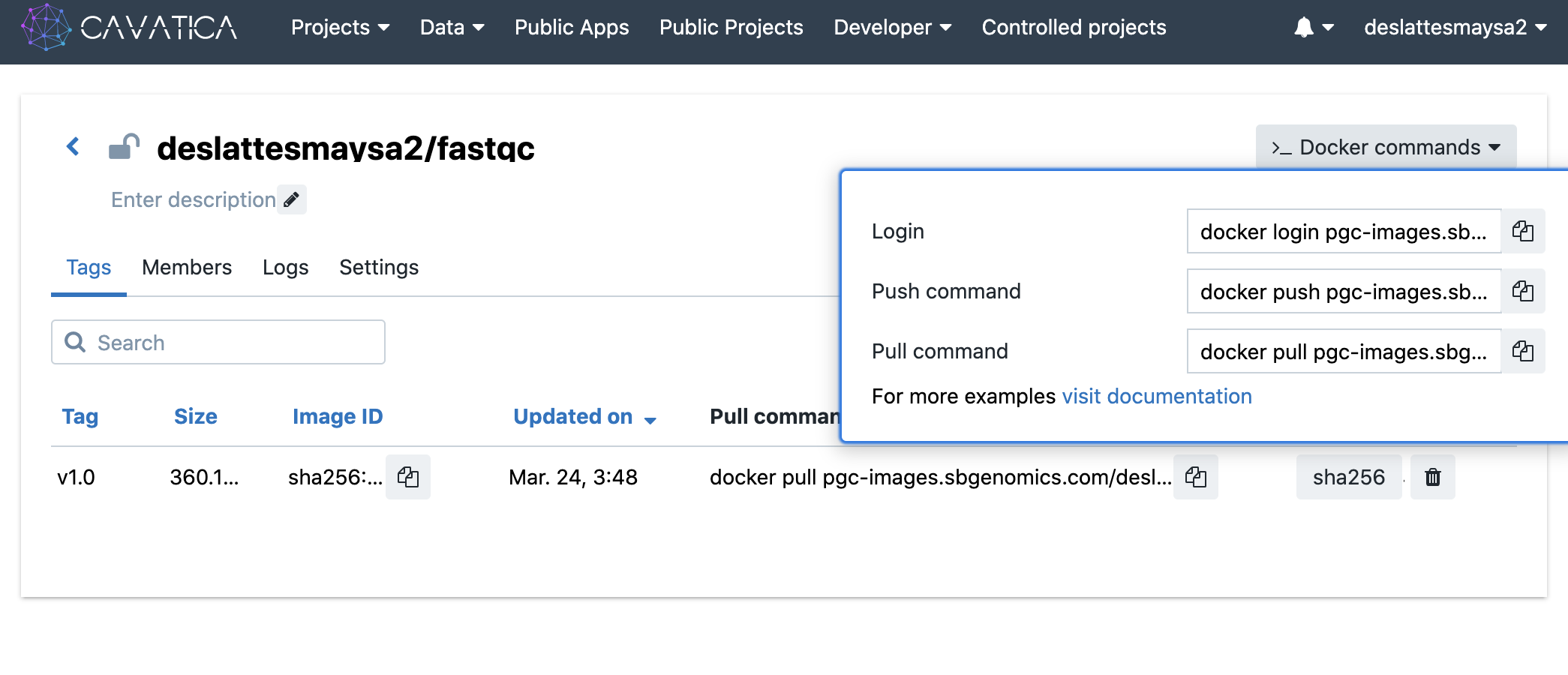
Selecting the one of the containers of interest, fastqc, you can see more detail with the container:

Further, you can see, that CAVATICA has conveniently placed the necessary commands to facilitate login, push and pull.
Authenticate with command line login
Let's copy the login command and paste it in our google shell window.
docker login pgc-images.sbgenomics.com -u <USERNAME> -p <YOUR-AUTH-TOKEN>
Replace the <USERNAME> with your username and the <YOUR-AUTH-TOKEN> with your authentication token.
Authenticate with a CAVATICA credential file.
Alternatively you create your credentials in a credential file.
To do this at the root directory, you can type the command push ~ to navigate to the root directory.
A fun pair of commands for navigation in a shell are pushd and popd. Wikipedia actually has a nice page to explain these two commands for faster navigation. Think of pushing your commands on a stack and popping them off to return where you are.
Let's pushd to our root directory
pushd ~/
What we have done is stored in memory where we started from and our next destination.
We can see this by asking what we have on this kind of stack of directories with another command:
dirs
What this shows is:
(eos) dirs
~ ~/Building-A-CWL-Script
This returns our Home directory where we just navigated to and where we came from ~/adeslatt/Building-A-CWL-script.
Home or the root directory (Home is the name used for the top of the directory or root because the directory structure is like a tree.
And Home looks like ~.
Now make a directory for CAVATICA to find your credentials
mkdir .sevenbridges
You are creating a subdirectory that is a hidden directory by typing mkdir .sevenbridges, which you can now navigate to.
cd .sevenbridges
you can use touch to create your credentials file.
[cavatica]
api_endpoint = https://cavatica-api.sbgenomics.com/v2
auth_token = <paste your AUTHENTICATION TOKEN here>
Now to get back to where we started we type
popd